

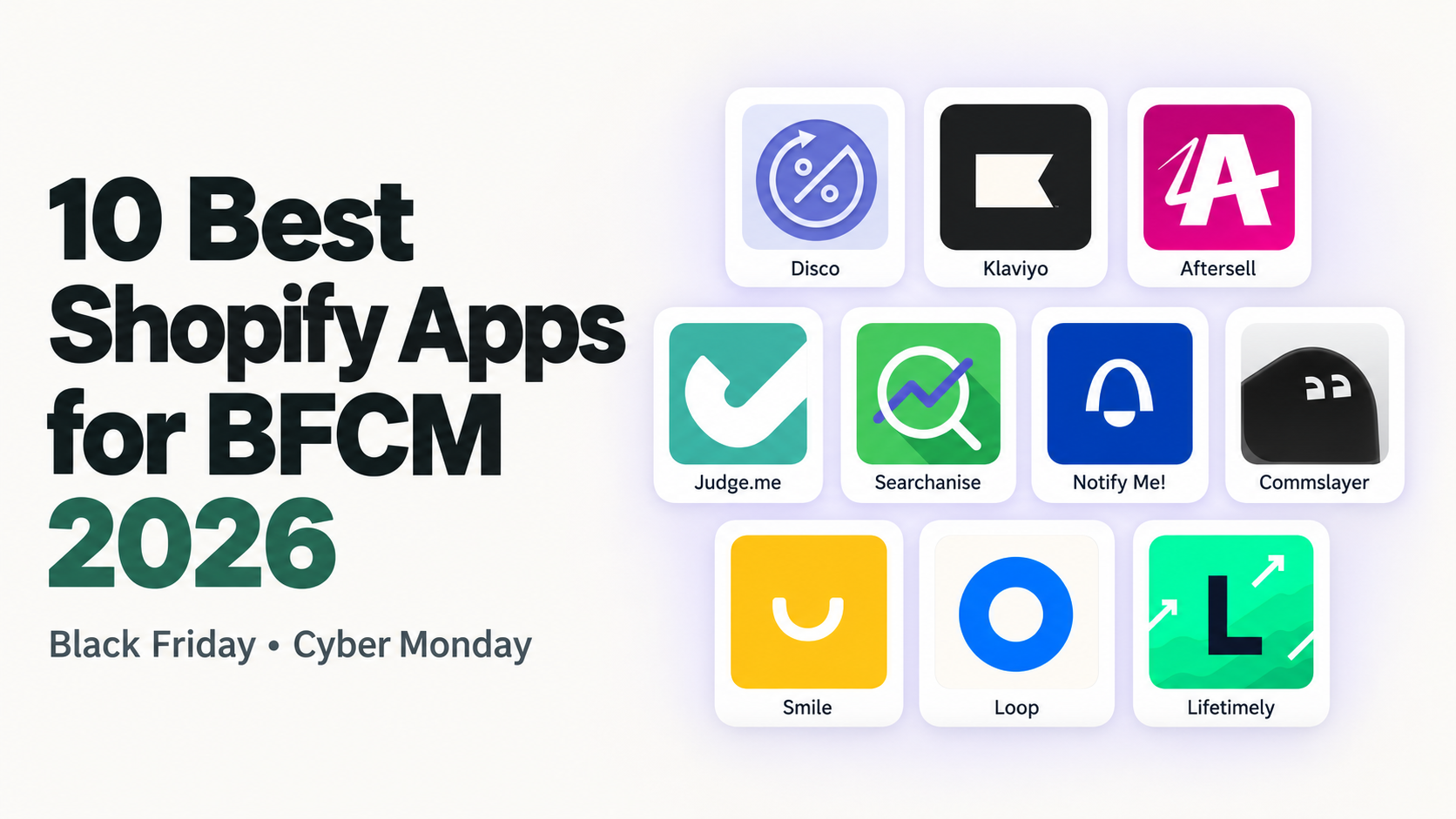
The best Shopify apps for Black Friday solve the problems most likely to hold your sale back. That could mean scheduling hundreds of price changes, helping visitors find deals, or keeping up with customer questions.
This shortlist covers ten BFCM jobs, with one recommended app for each. Start with your existing tools and use it to identify the gaps worth filling.
Our selections reflect documented capabilities and the merchant needs each app serves. The first app covers the sale campaign itself, the other nine cover messaging, conversion, and operations.
The best Shopify BFCM apps at a glance
| BFCM job | Recommended app | Most useful when… |
|---|---|---|
| Sale campaigns | Disco | You need to coordinate sale prices, timing, and storefront promotion |
| Email and SMS | Klaviyo | You need segmented launches, reminders, and recovery messages |
| Post-purchase upsells | Aftersell | You have useful complementary products to offer |
| Product reviews | Judge.me | Shoppers need customer evidence to help them choose |
| Search and filters | Searchanise | Your sale assortment is difficult to navigate |
| Back-in-stock alerts | Notify Me! | Popular products sell out and will be replenished |
| Customer support | Commslayer | You need a shared inbox and AI assistance with room to add support staff |
| Loyalty and repeat purchases | Smile | Your customers have a reason to buy again |
| Returns and exchanges | Loop | Return volume or complexity warrants automation |
| Analytics and attribution | Lifetimely | You need campaign reporting, profit analysis, and customer lifetime value |
1. BFCM Sale Campaigns
Coordinate the sale prices, launch timing, shopping destination, and promotional widgets so shoppers see a consistent offer.
Disco
Rating & Reviews: 4.8 ★ (100+ reviews)
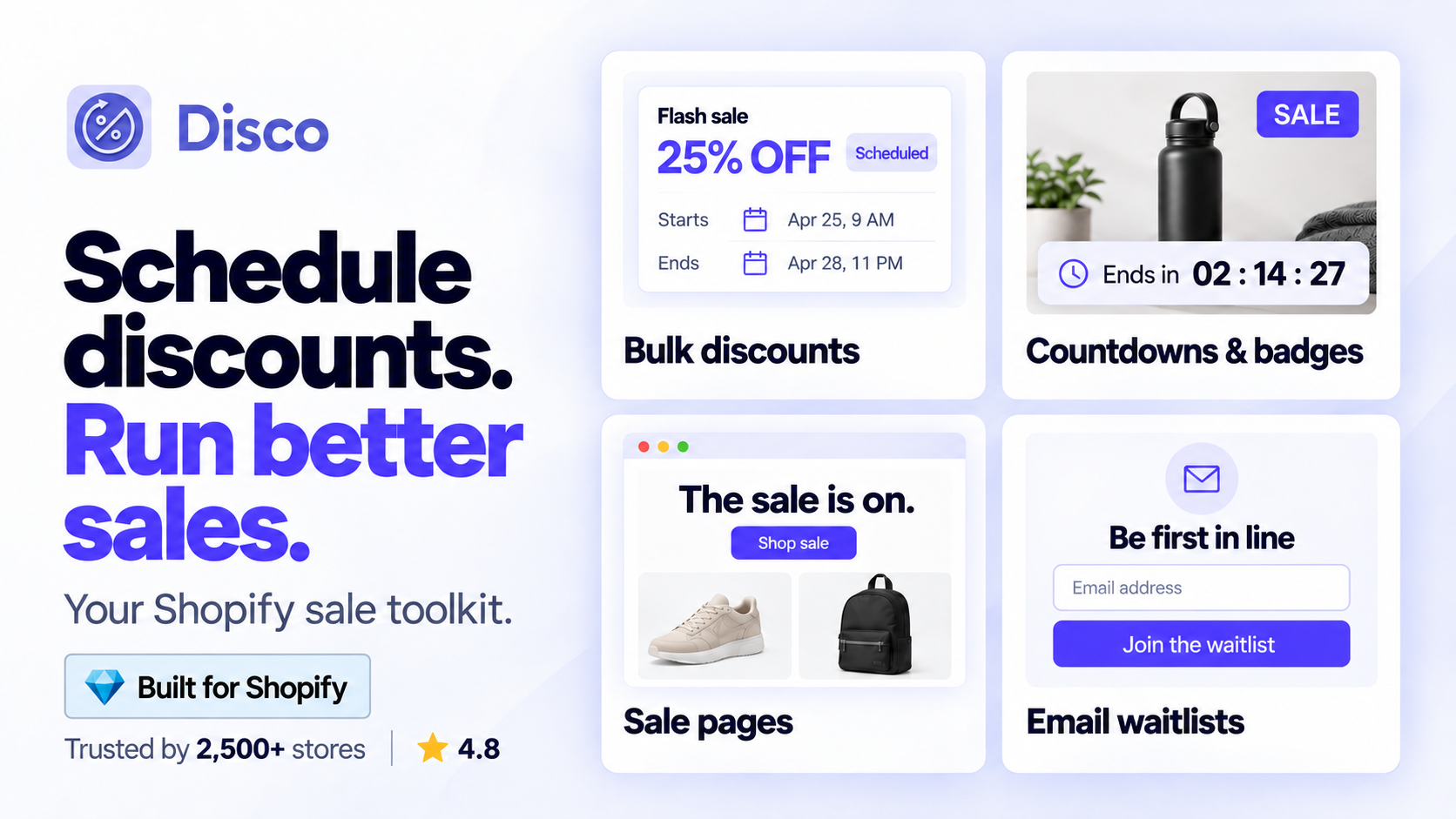
Disco brings bulk sale pricing and storefront promotion into one campaign workflow, with scheduled price changes and automatic restoration.
Key Features
- Bulk discounts with filters and exclusions: choose participating products by collection, tag, vendor, and other filters, while keeping selected items at full price.
- Scheduled campaigns and automatic price restoration: set the start and end times, with prices restored when the promotion finishes.
- Countdown timers, announcement bars, and sale badges: show shoppers which products are on sale and when the offer ends.
- Dedicated flash-sale pages and sale collections: give shoppers a clear destination for browsing the promotion.
- Coming-soon pages and email capture: build interest before launch and collect signups through the scheduled-sale announcement bar.
Sale pricing also lets shoppers see the reduced price before checkout. Check your theme’s product and collection pages to confirm the price comparison appears as intended.
From teaser to flash sale: build a Shopify sale page with a waitlist, timer, and announcement bar walks through that setup.
Example: one BFCM campaign from signup to reset
Suppose you are offering 20% off a selected gift collection:
- Before Black Friday: prepare the assortment, configure the coming-soon page, and enable email capture in the scheduled-sale announcement bar.
- At launch: Disco applies the scheduled prices and displays the configured live sale page and promotional widgets.
- At the campaign’s end: prices revert automatically. Check representative products and the storefront to confirm the sale has closed as planned.
That workflow has a direct connection to merchants’ Black Friday experience:
Used this app during Black Friday sale. It was very easy to use and had great features! Support was also very helpful. Will definitely use again for bulk discounts on the site.
— Gemma Azzurro, Shopify App Store review, December 6, 2024
Downloaded the Disco app to run a Black Friday sale. Blown away by the ease of setup, functionality, and customization options. Exactly what I was looking for. Highly recommend!
— BlueRidge Co., Shopify App Store review, November 28, 2023
Pricing: Starter is free for up to 30 discounted products. The flash-sale page is included in Professional, currently $17.99/month, and higher tiers. Choose the plan that covers your catalog and campaign features.
Plan and schedule your BFCM sale with Disco.
2. Email & SMS Marketing
Bring subscribers and previous customers back to the sale with relevant launch messages, reminders, and recovery emails.
Klaviyo
Rating & Reviews: 4.7 ★ (3,200+ reviews)
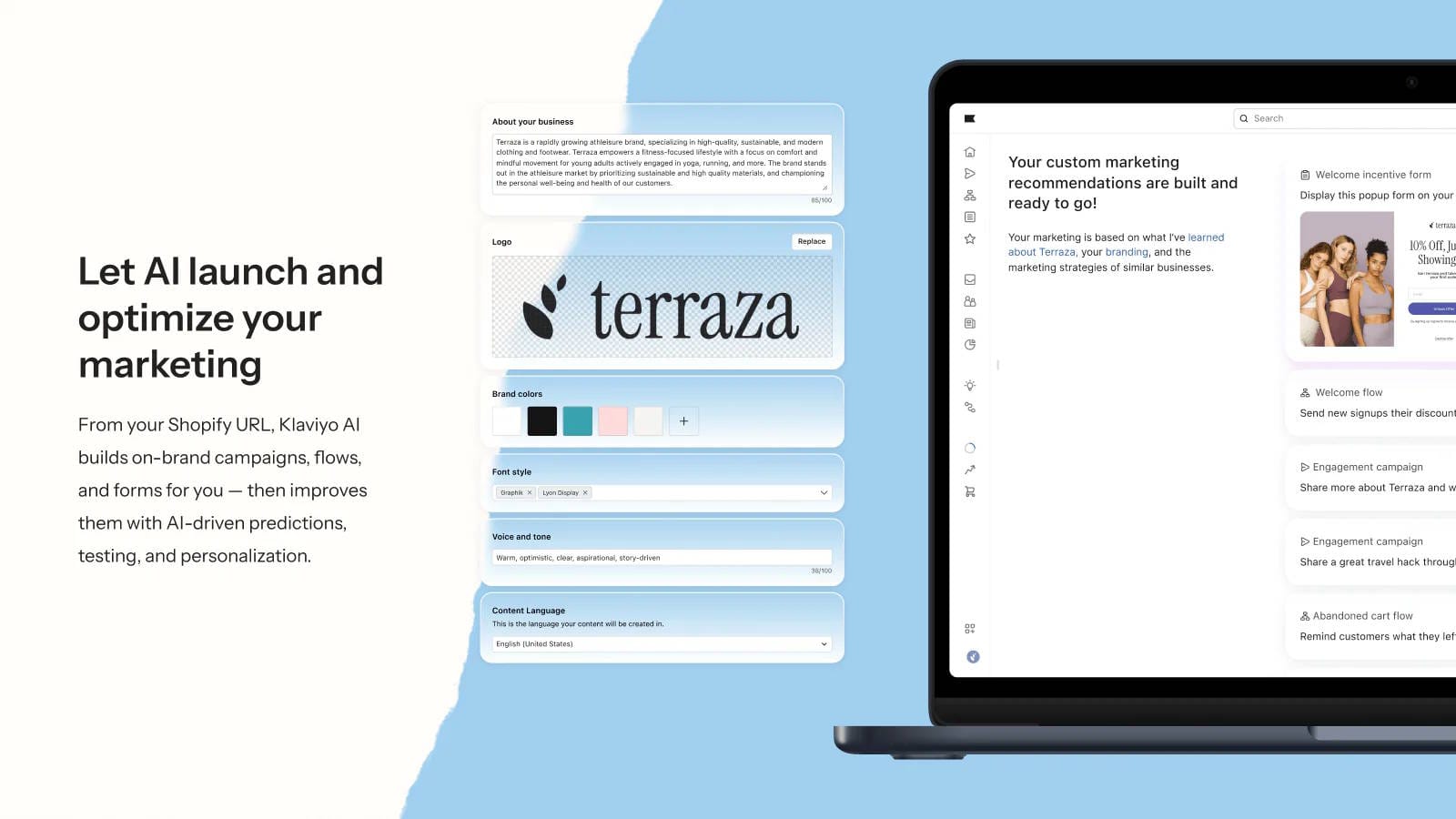
Using Shopify data, Klaviyo supports customer segmentation, campaign sends, and automated cart and browse recovery flows.
For BFCM, build a simple sequence: announce the launch, remind engaged subscribers who have not purchased, and send a final message before the offer closes. Give each message a purpose and link to the relevant products or sale page.
If you collect campaign interest through Disco, confirm those subscribers reach the intended audience in your email platform before sending.
When to add it: you need more segmentation or automation than your current messaging setup provides.
Pricing: email plans start at $20/month for 251–500 contacts. SMS is priced separately, and costs increase with usage. See Klaviyo’s plans.
3. Post-Purchase Upsells
Increase order value with a useful complementary offer after the customer completes their initial purchase.
Aftersell
Rating & Reviews: 4.8 ★ (1,000+ reviews)
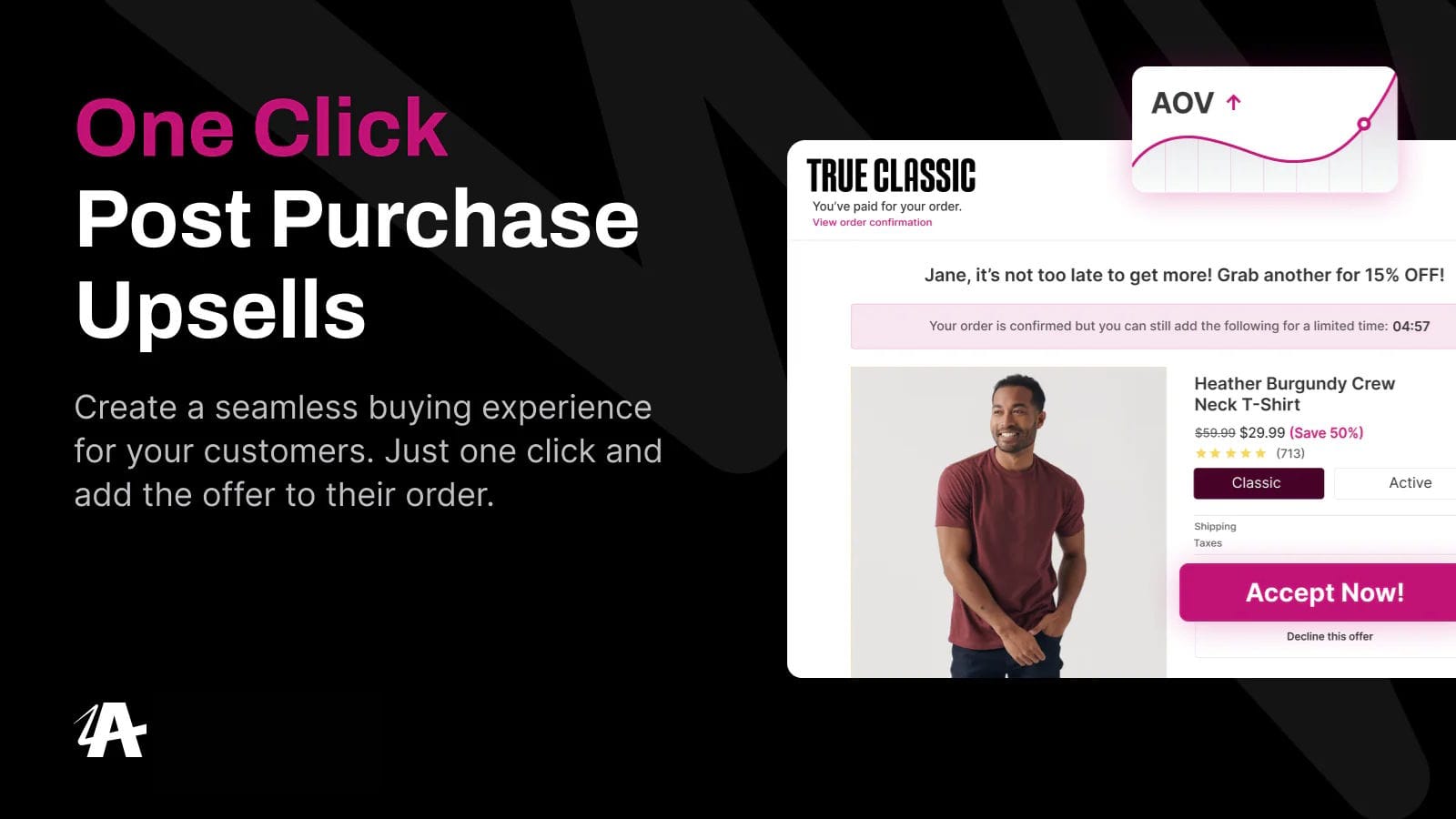
Aftersell lets eligible customers accept a relevant offer in one click after their initial purchase. You can target offers using factors such as the products purchased and customer history.
A BFCM example: someone buys a discounted coffee maker, then receives an offer for compatible filters. The second product should make the first purchase more useful and leave enough margin to justify the offer.
When to add it: your catalog has natural add-ons and you can test whether shoppers want them. Track additional margin alongside average order value.
Post-purchase offers are available beyond Shopify Plus; Aftersell’s checkout upsells require Plus.
Pricing: post-purchase plans start at $34.99/month and scale with total store order volume. See Aftersell’s pricing.
4. Product Reviews & Social Proof
Give shoppers customer evidence that helps them judge product quality, fit, and suitability before buying.
Judge.me
Rating & Reviews: 5.0 ★ (46,600+ reviews)
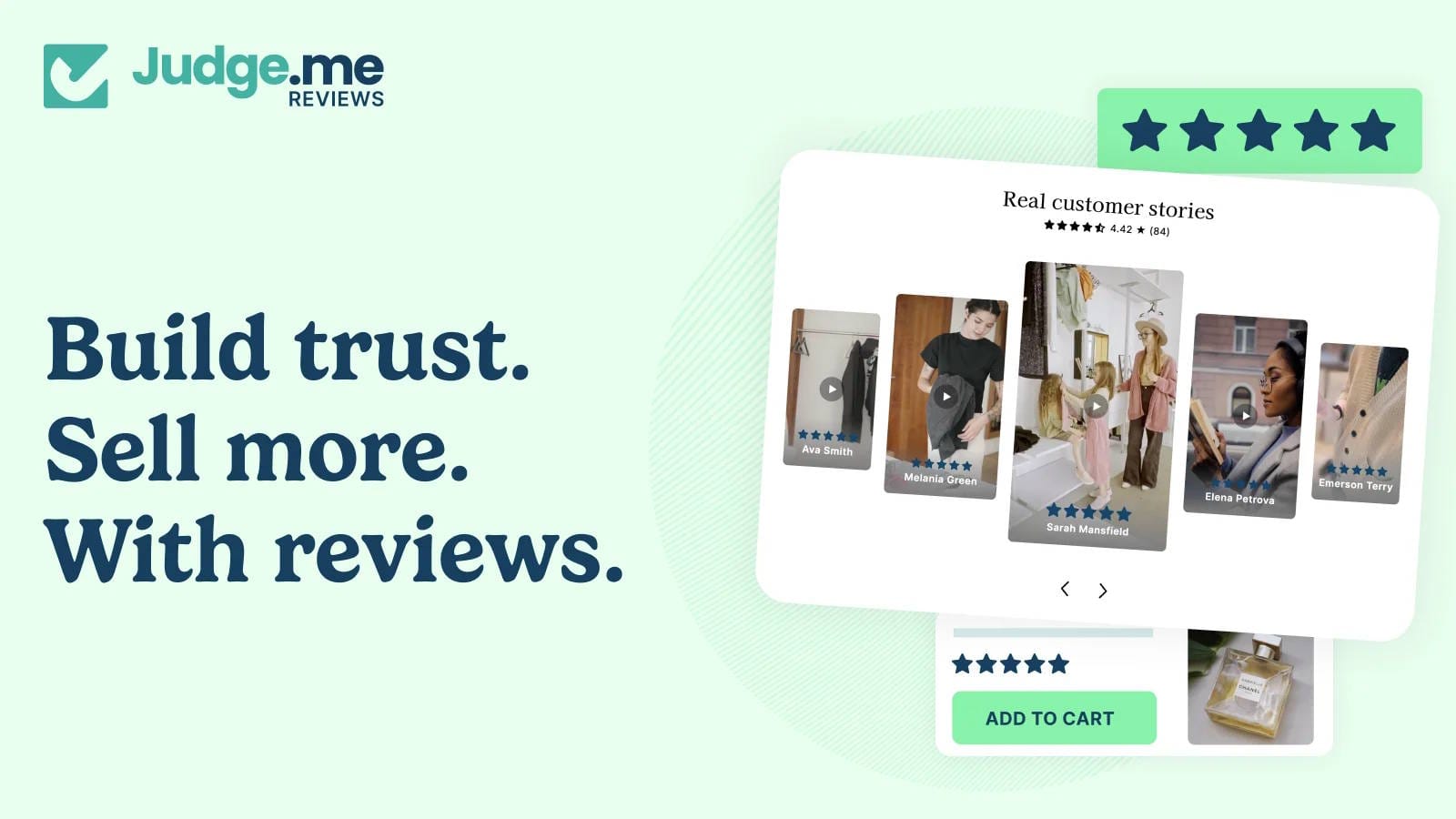
Judge.me collects written, photo, and video reviews and displays them through star ratings and storefront widgets.
Before BFCM, check the products you plan to promote. Make their existing customer feedback easy to find, especially on mobile, and ensure review requests are running for fulfilled orders.
When to add it: you lack an effective way to collect or display product feedback. Allow time to build that evidence before the sale; a new widget starts with the reviews you actually have.
Pricing: a free plan includes unlimited reviews; Awesome is $15/month with additional features and integrations. See Judge.me’s plans.
5. Product Search & Filters
Help shoppers narrow a large sale assortment to the products, sizes, and prices that suit them.
Searchanise
Rating & Reviews: 4.7 ★ (1,200+ reviews)
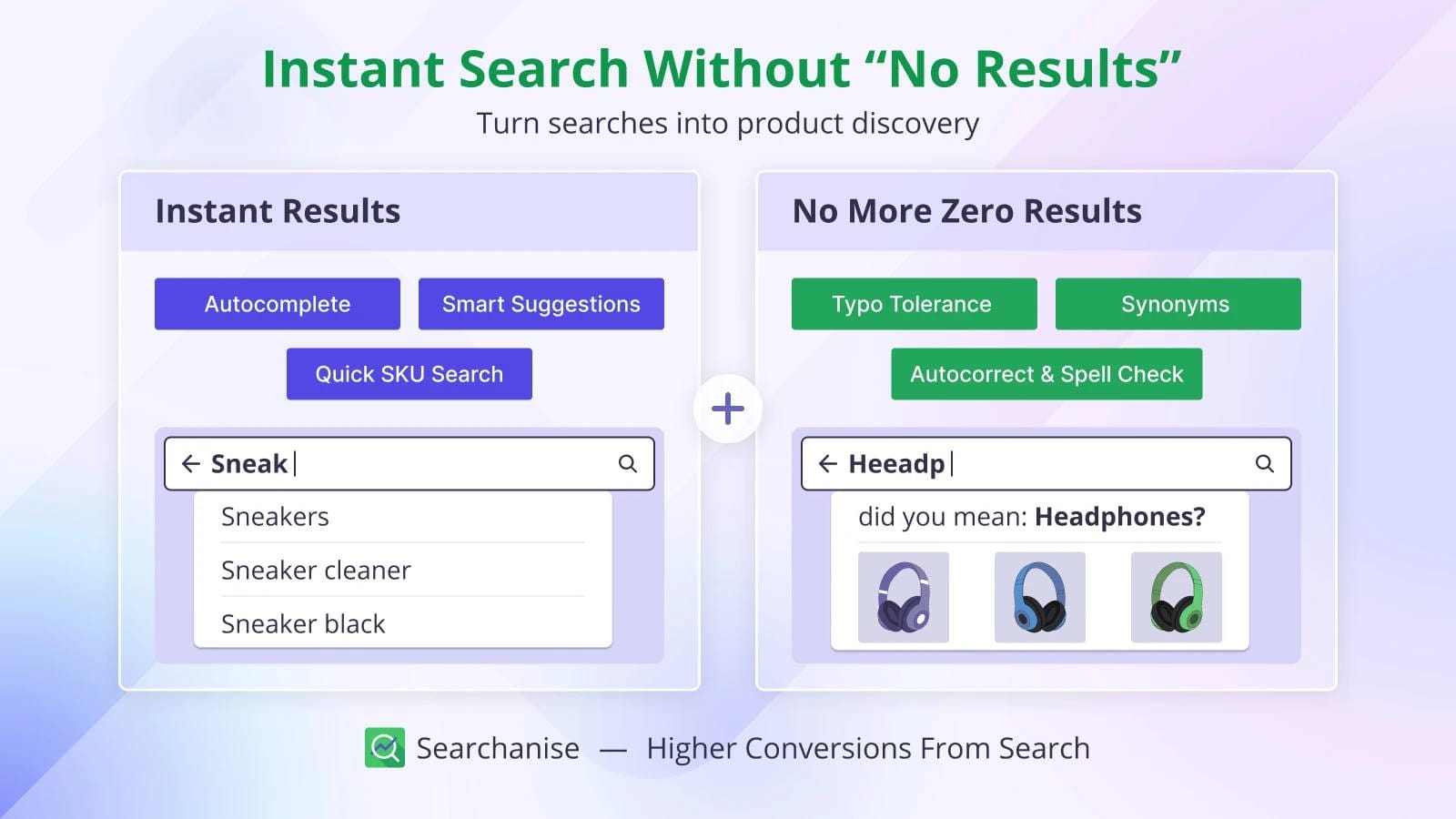
Searchanise combines instant search, collection filters, and merchandising tools to help customers explore your catalog.
For a clothing store, useful filters might include size, product type, and price. For a homeware store, room or material could matter more. Choose the attributes customers use to narrow their options.
If your promotion uses a sale collection, test its search and filter experience with the campaign active. Confirm that prices, variants, and availability display correctly.
When to add it: your current navigation leaves shoppers struggling to find suitable products.
Pricing: Basic is $19/month for up to 1,500 products on non-Plus stores; Shopify Plus pricing differs. See Searchanise’s plans.
6. Back-in-Stock Alerts
Capture demand for sold-out products and let interested shoppers know when they can buy again.
Notify Me!
Rating & Reviews: 4.9 ★ (3,700+ reviews)
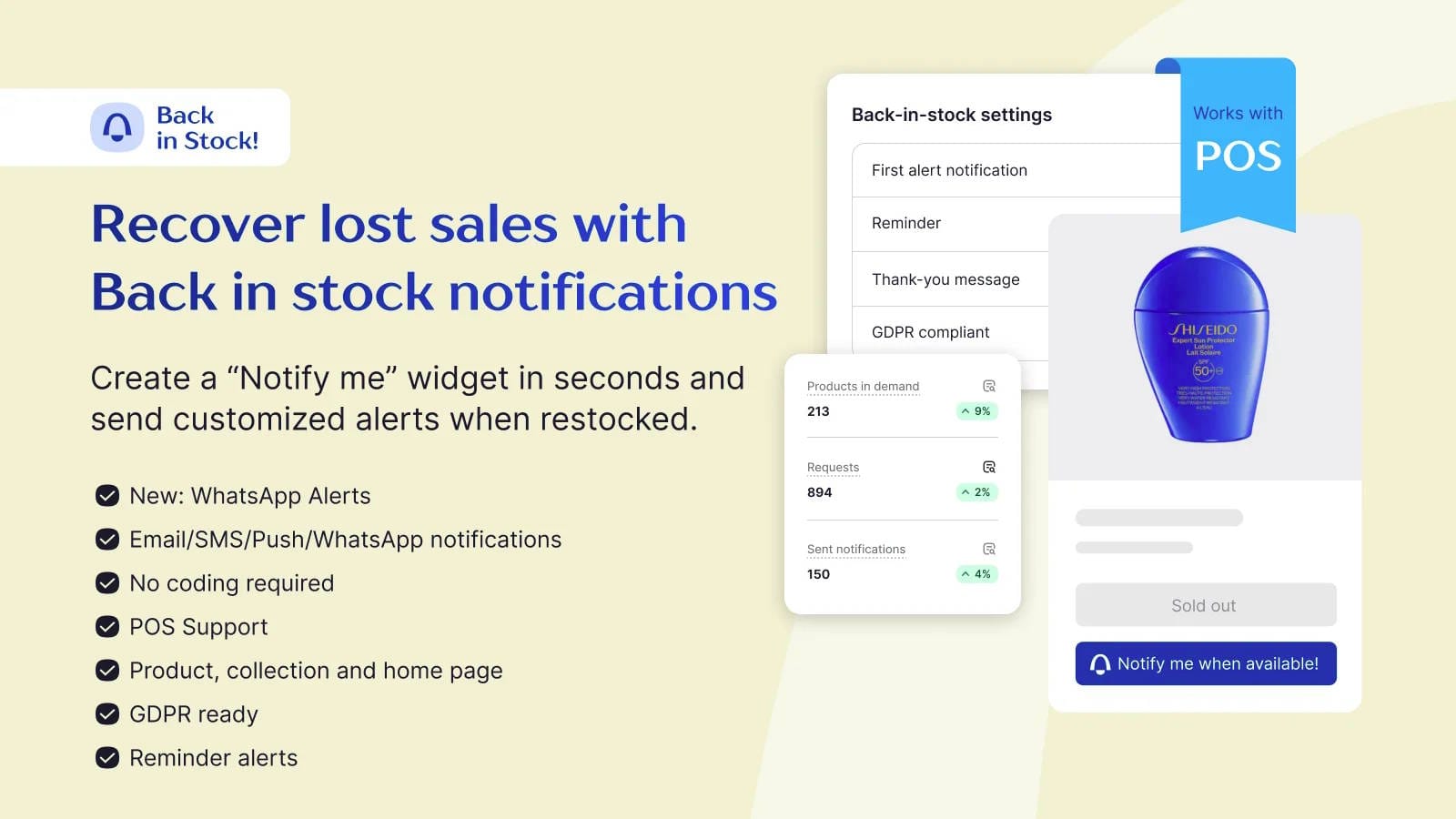
Notify Me! adds product signup options and sends restock notifications through email, SMS, or push.
If a popular size sells out on Black Friday and returns during Cyber Week, you can contact the people who wanted it. This product-specific interest serves a different purpose from Disco’s pre-sale campaign waitlist.
Make the notification clear about the current offer. A restocked product may have a different price if the original BFCM campaign has ended.
When to add it: replenishment is expected and your existing tools do not cover the restock workflow you need.
Pricing: the free plan includes 10 restock notifications. Paid plans offer larger allowances; check messaging charges. See Notify Me!’s plans.
7. Customer Support
Keep customer questions organized and give your team a consistent way to handle the extra BFCM enquiries.
Commslayer
Rating & Reviews: 4.9 ★ (200+ reviews)
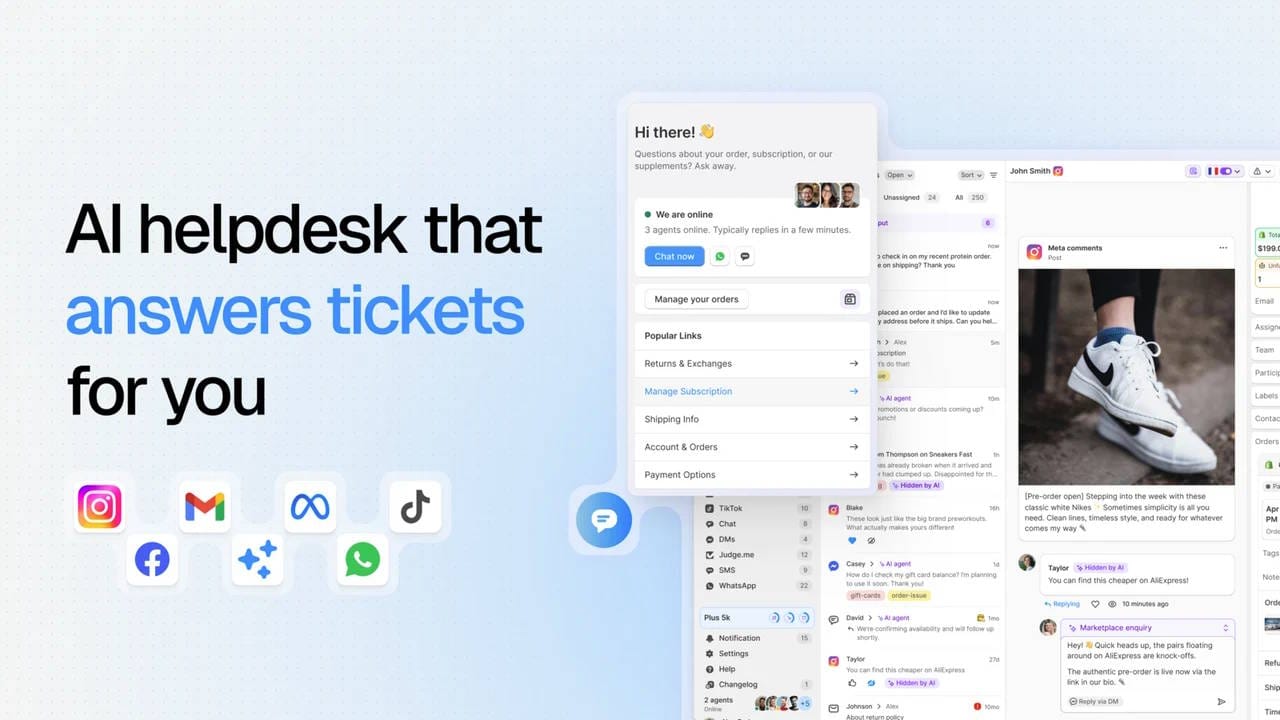
Commslayer brings email, live chat, WhatsApp, and social conversations into a shared helpdesk.
For BFCM, prepare reply templates covering offer exclusions, shipping expectations, and order status. Give your team and AI agent the same campaign details, including when discounts end and which products qualify. Test those answers before the sale begins.
When to add it: customer questions are spread across channels and you need a shared inbox with AI assistance.
Pricing: the free plan includes 300 conversations, 300 AI agent messages, and 300 AI drafts per month. $39/month for 800 conversations, 1,600 AI agent messages, and 1,600 AI drafts. See Commslayer’s plans.
8. Loyalty & Repeat Purchases
Give Black Friday customers a clear reason to return for another purchase after the promotion ends.
Smile
Rating & Reviews: 4.9 ★ (4,500+ reviews)
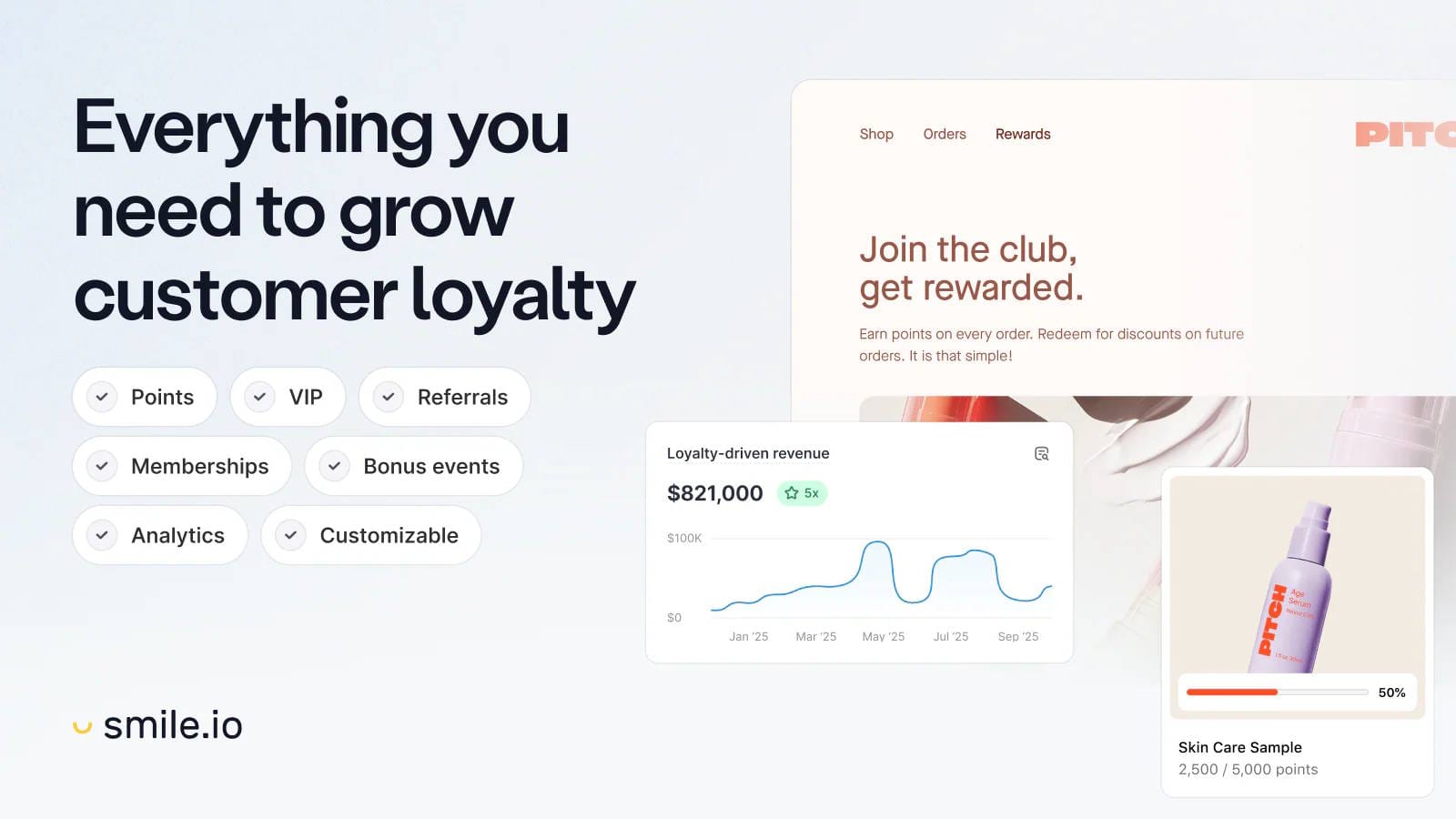
Smile supports points, rewards, referrals, and VIP tiers, with tools to create and manage a loyalty program.
A skincare store, for example, could award points on a Black Friday order and explain how customers can redeem them when replenishing their products. Keep the reward easy to understand and make sure the economics work alongside your sale pricing.
When to add it: customers have a plausible next purchase and your team will continue running the program after BFCM. Loyalty deserves less priority for products bought very infrequently.
Pricing: the free plan covers up to 200 monthly orders. Paid plans start at $15/month; bonus events and VIP tiers require higher tiers. See Smile’s plans.
9. Returns & Exchanges
Prepare a clear process for customers who need to return or exchange a BFCM purchase.
Loop
Rating & Reviews: 4.6 ★ (400+ reviews)
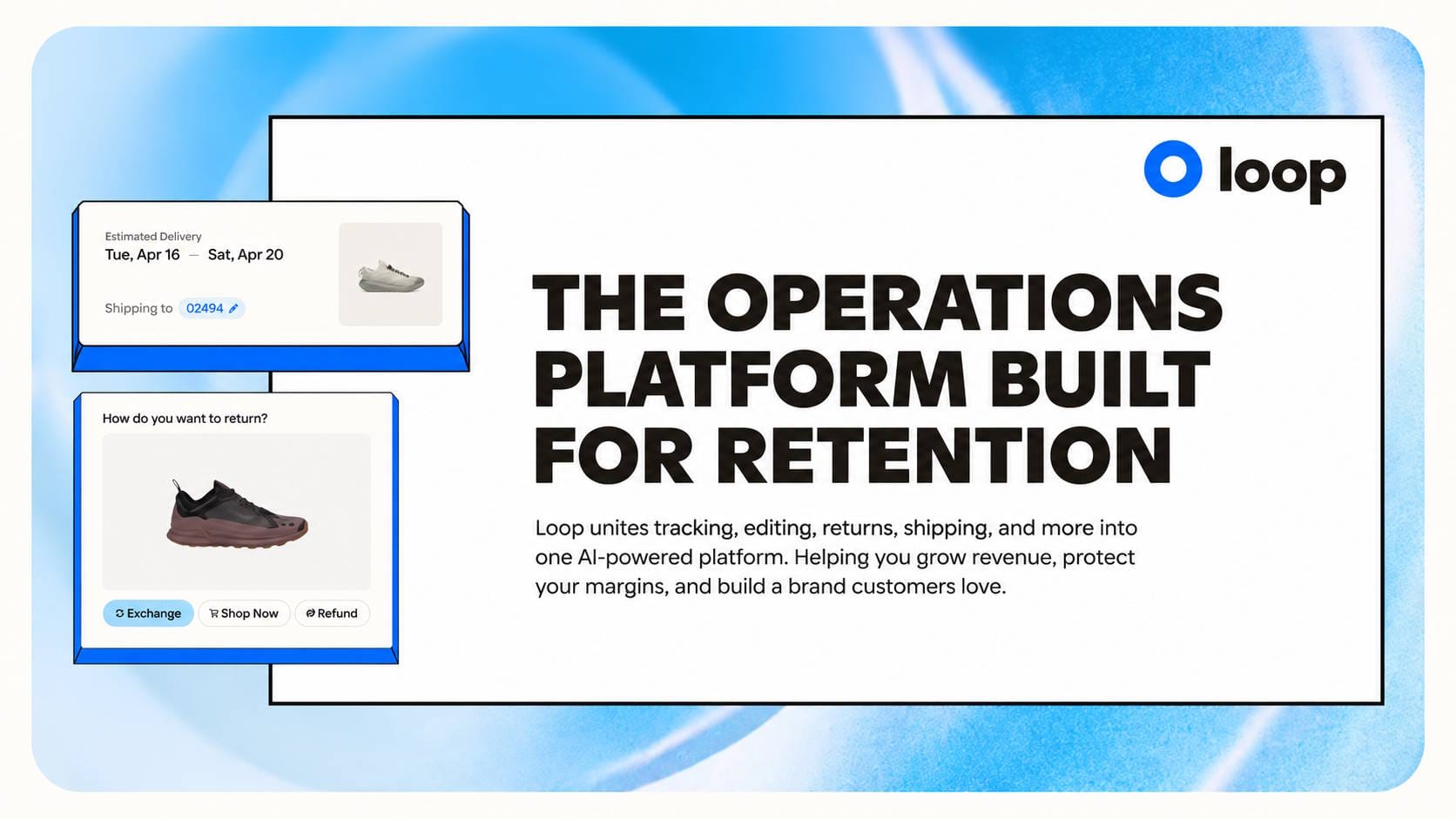
Loop combines self-service returns, exchanges, and automated workflows, with options for configuring return policies and customer journeys.
For an apparel store, that could mean configuring a straightforward size-exchange process and a clear holiday return window. Set the rules around your published policy, including how sale items and gift returns are handled.
When to add it: return volume or exchange complexity makes manual handling difficult. Check how the workflow connects to your support and fulfillment processes.
Pricing: Essential is $155/month. Advanced is $340/month and adds features including Instant Exchanges and Bonus Credit. Review the available plans against your required workflow. See Loop’s listing.
10. Marketing Analytics & Attribution
Understand which BFCM campaigns bring in orders, what the sale earns after costs, and whether new customers buy again.
Lifetimely
Rating & Reviews: 4.9 ★ (500+ reviews)
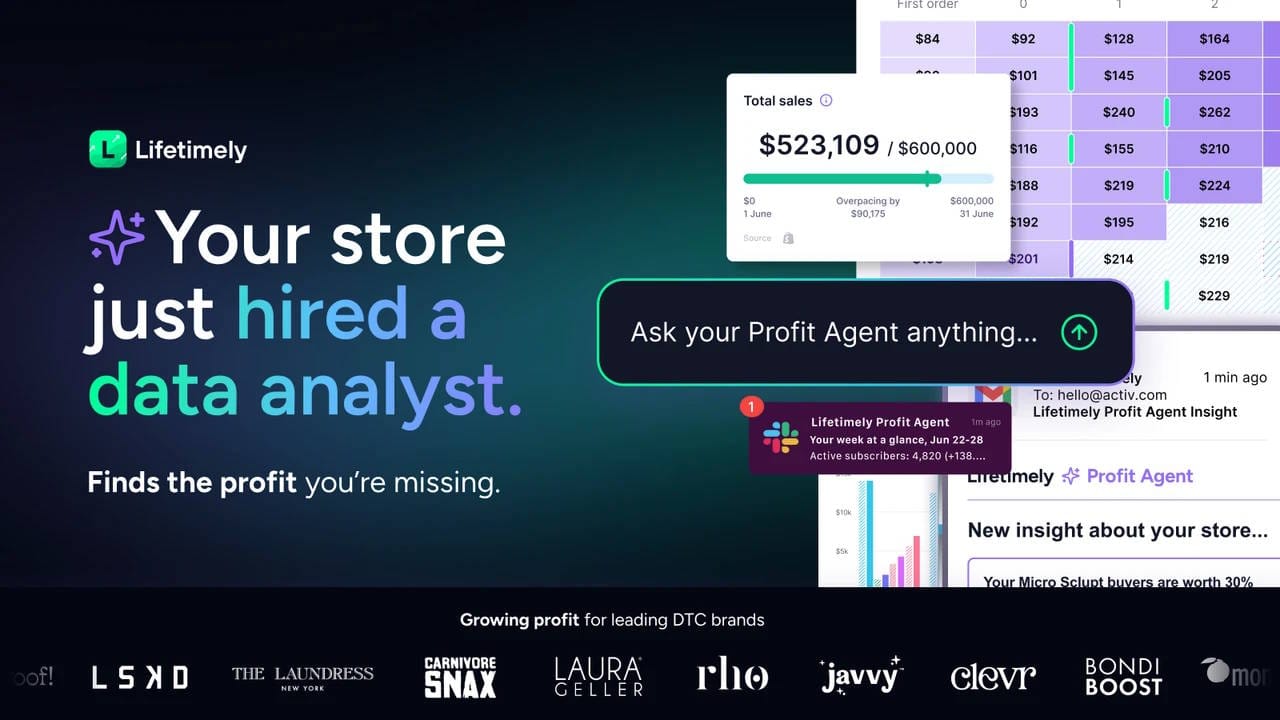
Lifetimely combines profit and loss reporting, marketing analytics, and customer lifetime value. Its Drill Down report lets you compare ad spend, revenue, and return on ad spend at campaign, ad group, or ad level across Meta, Google, and TikTok.
For BFCM, use consistent campaign names and UTM tags on your ads and emails, then filter your reports to the sale dates. Review campaign results alongside the store's profit report, with product, shipping, and advertising costs configured before launch. After the sale, use customer cohorts to follow whether buyers acquired during BFCM return.
The Drill Down report uses figures supplied by the ad platforms, while UTM Explorer uses Shopify order data and campaign tags. Use the same report and attribution settings when comparing Black Friday with Cyber Monday.
When to add it: you need to evaluate campaign performance, sale profitability, and repeat purchases together, and your existing reports leave those questions unanswered.
Pricing: the free plan covers up to 50 monthly orders. Paid plans start at $49/month for up to 500 monthly orders, with higher tiers for larger stores. See Lifetimely’s plans.
Which BFCM Apps Does Your Store Actually Need?
Start by writing down the problem you need to solve. “We spend hours changing prices” points toward campaign automation. “Customers cannot find their size in the sale” points toward navigation. “Nobody knows who is handling each enquiry” points toward support.
Then check whether your existing tools already solve it. An effective email platform, review system, or helpdesk can stay in place while you improve another part of the campaign.
For every addition, account for setup time and expected November usage. Assign someone to configure it, check the customer experience, and monitor it during the sale.
Before launch, test the complete journey on mobile: open the campaign message, browse the sale, add a product, and check out. Test the campaign ending too. Include any additional discount codes in that check; How to stop discount codes from stacking on items already on sale explains the pricing issue.
Use the 2026 BFCM playbook for the broader preparation checklist.
Shopify Black Friday apps FAQ
Do I need an app to run a Black Friday sale on Shopify?
No. Shopify supports discount codes, automatic discounts, and product sale prices. You can also schedule start and end dates for amount-off discounts. A campaign app becomes useful when you want to coordinate bulk product-price changes, restoration, and storefront promotion as part of the same workflow.
Which app is best for scheduling a BFCM sale?
Disco is our recommendation for merchants who want scheduled catalog sale prices, automatic price restoration, and promotional elements such as timers and sale pages. If you only need a straightforward checkout discount with a start and end date, Shopify’s native discount settings may cover the job.
How early should I set up my BFCM apps?
We recommend choosing your tools several weeks before your promotion and reserving time for a complete test. Start earlier if you need to collect reviews, configure messaging, or establish analytics. For the 2026 calendar, Black Friday is November 27 and Cyber Monday is November 30; work backward from your actual launch date if you start sooner.
Do I need all ten apps?
No. Choose according to your catalog, order volume, budget, and existing setup. A small store may need help scheduling the sale while already having adequate messaging and support. Add specialist tools when you can name the problem they will solve and the result you will use to judge them.
Start with the part that needs attention first
Choose the part of your BFCM campaign that needs attention first, then give yourself time to prepare it. If that is the sale itself, Disco brings product selection, scheduled pricing, and storefront promotion into one workflow.
Plan and schedule your BFCM campaign with Disco.
Next: The 2026 BFCM playbook: plan your biggest sale months ahead is the preparation checklist these apps plug into, and How to schedule a Shopify sale that starts and ends automatically shows the campaign setup that Disco handles in this list.